
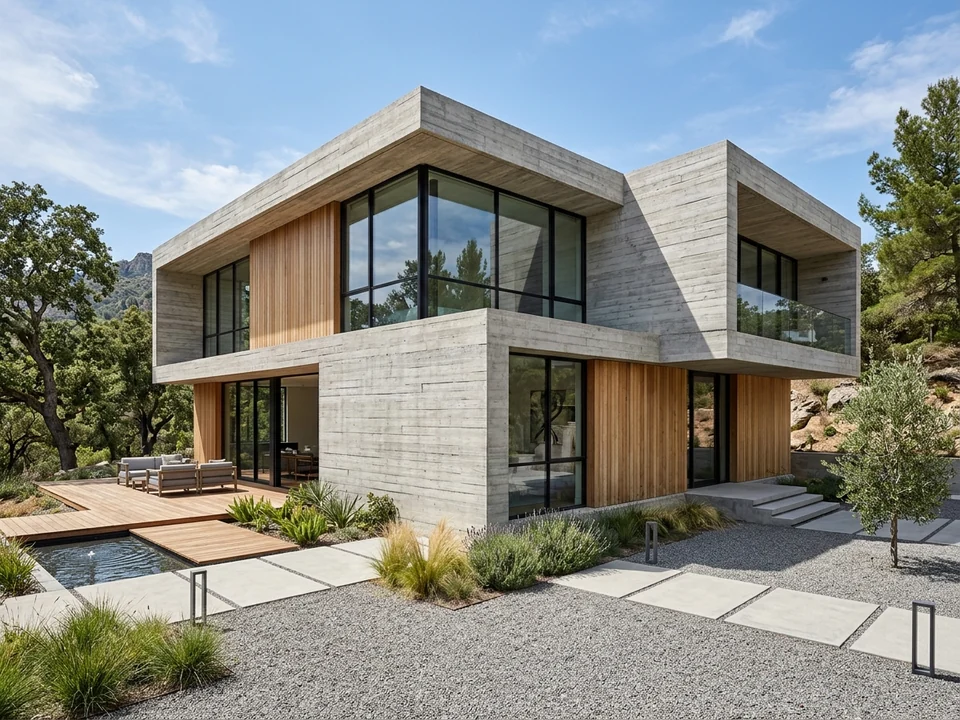
Precision 3D & Architecture Upscaler
Preserve SketchUp, Blender, and CAD linework without wavy lines or hallucinated geometry.
Open 3D Render Mode →Upscale 3D renders, real skin portraits, vintage prints, and product textures to 4K (2× or 4×) without plastic smoothing.
Drop image here, paste, or browse
JPG, PNG, WebP · Oversized photos auto-fit to 2048 px
Sign in with Google & credits required. Uploads auto-delete from site storage in 24h.
Switch between Topaz Precision and Kie Crisp engines for architecture, interiors, and CAD boards, or select Real Skin, Restore, and Texture modes to upscale an image to 4K with natural detail.
Interactive Before/After preview (960×720) — drag freely without signing in, or upload your own file above.
Each mode routes your image to the exact non-generative or fidelity-locked engine its subject requires.
Preserve SketchUp, Blender, and CAD linework without wavy lines or hallucinated geometry.
Open 3D Render Mode →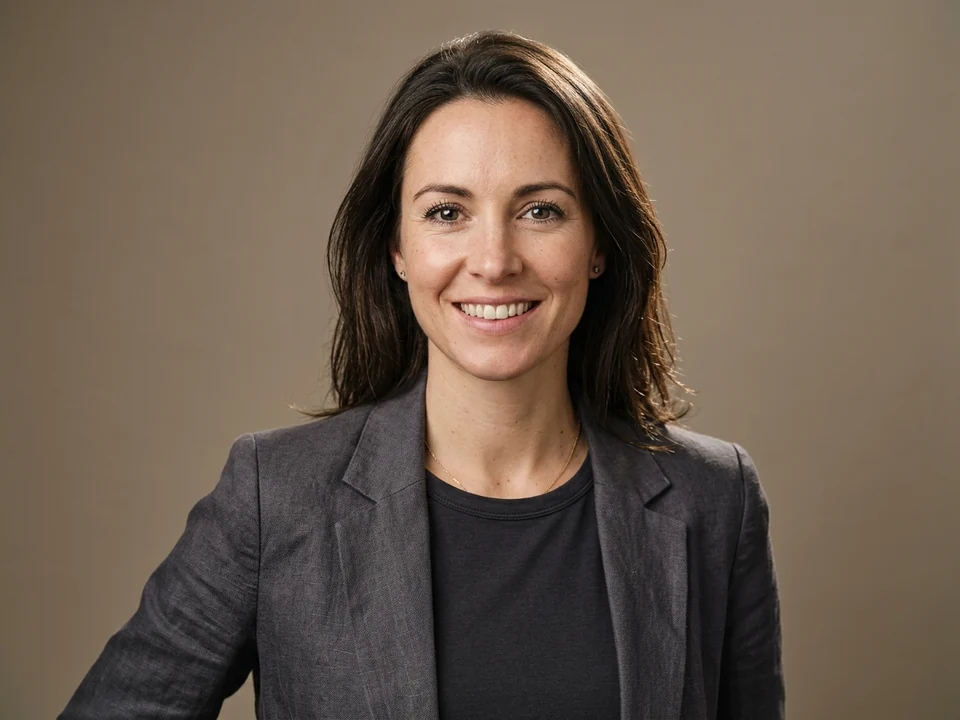
Reconstruct pores, iris reflections, and fine hair while locking exact facial identity.
Open Portrait Mode →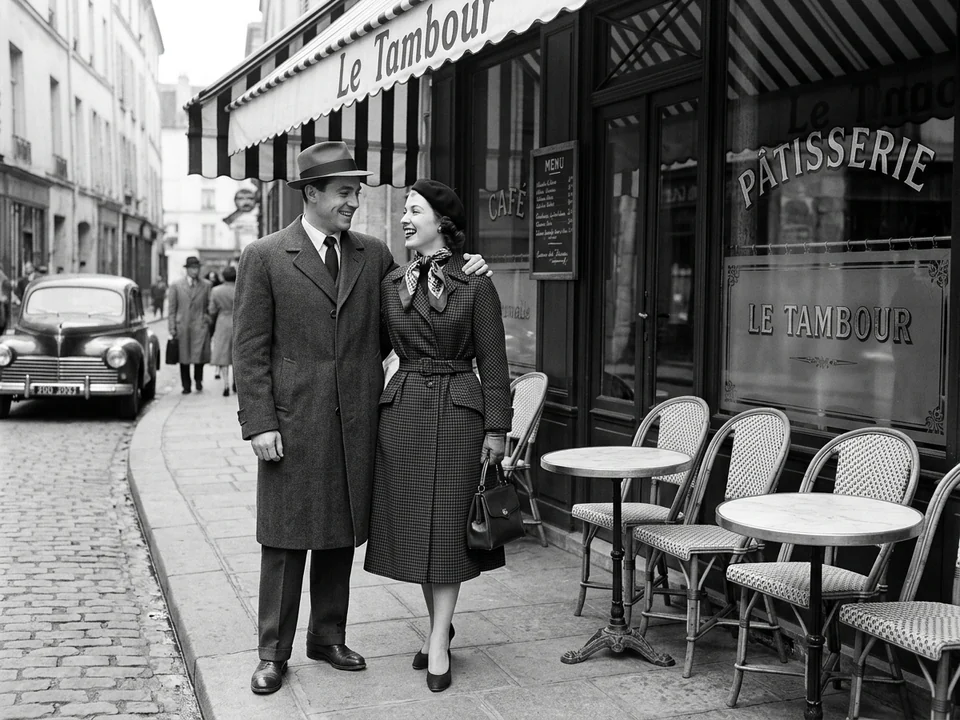
Remove scratches, dust, creases, and yellow fade from vintage scanned prints in one 4K pass.
Open Photo Restorer →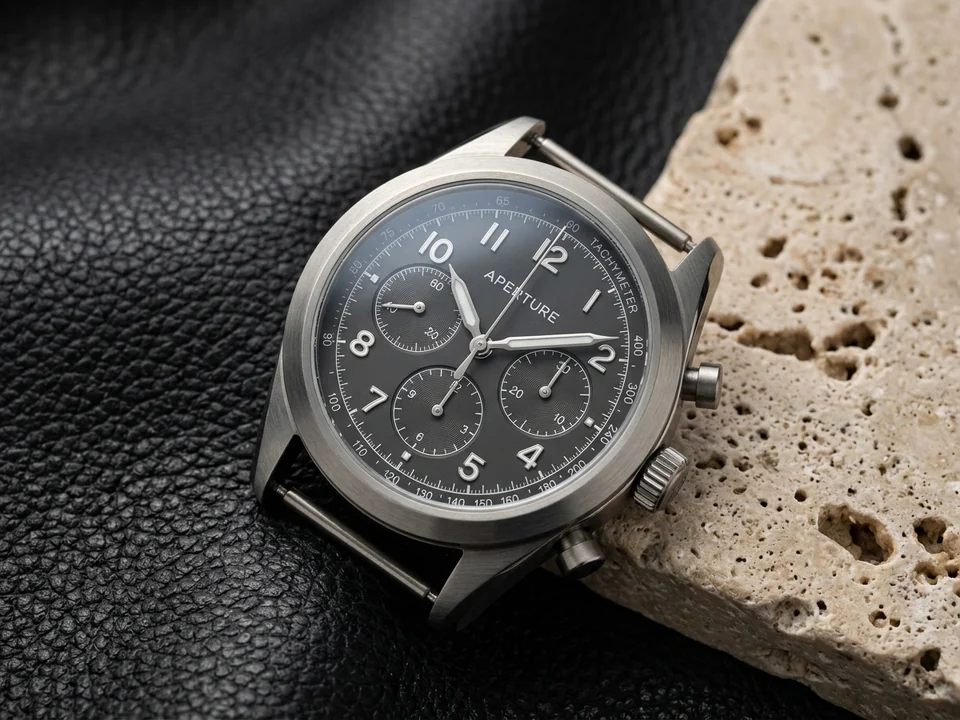
Sharpen e-commerce product shots, fabric weave, leather grain, stone, and packaging labels.
Open Texture Mode →| Capability | 4K AI Upscaler | Typical Free 4K Upscaler |
|---|---|---|
| 3D & Architecture Geometry Lock | Dedicated Topaz & Kie Crisp non-generative engines | Single filter can bow straight lines or blur CAD text |
| Portrait Skin & Identity Guard | Strict pore & hair mode; zero plastic smoothing | Over-smooths skin or subtly shifts eye shape |
| Old Photo Scratches & Dust | Dedicated restoration mode preserves monochrome tone | Sharpens scratches and dust specks into noise |
| Pricing & Watermarks | Clean HD output — $7.90 packs or Pro $9.90/mo | Ad walls, small pixel caps, or subscription lock-in |
| Upload Privacy Disclosure | 24h site auto-delete + clear provider retention terms | Vague retention or model-training clauses |
Most single-button AI image upscaler tools push every upload through the same generic diffusion filter. Whether people search for a 4K AI upscaler, a 4K image upscaler, or a 4K upscaler to upscale an image to 4K, they want genuine clarity—not invented clutter. Generic filters make straight architectural mullions wobble, turn human skin into smooth wax, and sharpen dust specks on scanned prints into distracting white noise.
4K AI Upscaler separates enhancement into four scene-calibrated pipelines inside one studio workspace so you pick the right preservation strategy before spending credits.
Built for SketchUp, Blender, V-Ray, Enscape, Rhino, and CAD viewport exports. Precision Mode routes renders through non-generative Topaz Image Upscale or Kie Crisp engines at 2× (2 credits) or 4× (4 credits). Window mullions, cabinet seams, concrete board-forming lines, and floor-plan annotations retain strict geometric alignment while compression softness and diagonal aliasing disappear.
Standard sharpeners exaggerate forehead noise and leave eyes flat. Real Skin Mode applies identity-locked 2K and 4K refinement that preserves facial proportions, expression, teeth, and lighting while recovering natural skin pores, eyelashes, iris catchlights, and individual hair strands—zero plastic smoothing.
Flatbed scans and phone captures of aging prints carry hairline scratches, crease marks, dust specks, and yellow fade. Old Photo Restore cleans physical surface damage and upscales scans to 4K in a single pass while keeping faces faithful and honoring monochrome silver-gelatin tones.
Marketplace zoom viewers expose soft supplier thumbnails immediately. Texture Mode targets woven textiles, brushed titanium, pebbled leather, travertine stone, and product labels—raising edge definition for 4K–8K catalog assets without distorting brand typography.
A typical free 4K upscaler relies on a single lightweight filter capped at small output dimensions or aggressive generative repainting that alters faces and CAD lines. Paid studio routing lets you lock geometry on renders, enforce strict identity guards on portraits, or compare workflows directly on our Lupa AI Upscaler alternative breakdown—with no watermarks and predictable turnaround.
JPEG, PNG, or WebP file. Photos exceeding 2048 px on the long edge or 4.5 MB are automatically resized in your browser to 2048 px JPEG (quality 0.85) before upload so 2× and 4× runs stay fast and fit within 67 MP cloud limits.SeeAPI safety screening before generation credits are deducted. Blocked inputs consume zero credits.4kaiupscaler.com storage delete automatically within 24 hours, while completed 4K outputs stay downloadable in My Account for 30 days. Third-party AI retention (up to 24 hours for inputs and 14 days on Kie.ai servers) is documented in our Privacy Policy.Yes. Signing in with Google and an active credit balance (packs from $7.90 or Pro subscriptions from $9.90/month) are required to run live AI upscaling. You can drag all four Before/After sample comparisons above without signing in.
Yes. Upload a JPG, PNG, or WebP file in the studio above, choose Precision, Real Skin, Restore, or Texture mode, select 2× (2 credits) or 4× (4 credits) to upscale an image to 4K, and download the full-resolution result directly in your browser.
A free 4K upscaler typically runs every upload through one low-cost sharpener or diffusion pass with small resolution caps. Our paid 4K upscaler routes renders to non-generative Topaz and Kie Crisp engines so straight lines stay straight, while using identity-locked refinement for portraits, vintage prints, and macro product textures—with zero watermarks and 24-hour upload deletion.
Yes. Compressed WhatsApp/social crops, older iPhone or Android shots, and low-light phone portraits work well. If a modern smartphone photo exceeds 2048 px on the long side, your browser automatically scales it cleanly to 2048 px before upload so 2× or 4× output reaches crisp 4K+ dimensions without upload errors.
2× upscaling costs 2 credits and 4× upscaling costs 4 credits across all four studio modes (Precision, Real Skin Portrait, Old Photo Restore, and Texture).
Choose Precision mode with Topaz or Kie Crisp engines. Both are non-generative upscalers engineered to keep architectural mullions, floor plans, typography, and hard CAD edges aligned without inventing new objects.
Uploaded source images stored on 4kaiupscaler.com delete automatically within 24 hours, and upscaled outputs stay in your account history for 30 days. Under Kie.ai infrastructure rules, provider-side uploads are kept up to 24 hours and results up to 14 days. We never use your photos to train AI models.
Unused one-time credit packs and unused subscription billing periods can be refunded in full within 7 days via hello@4kaiupscaler.com. Used credits and subjective visual dissatisfaction are non-refundable. Confirmed system failures automatically retry once, and unresolved failed jobs are delivered or refunded within 24 hours.